

What Do Steam Trade Errors Mean?
Created: 6 months ago
When trading on Steam, you might sometimes encounter error messages. Don't worry, we've summarized what these errors mean for you. 👇
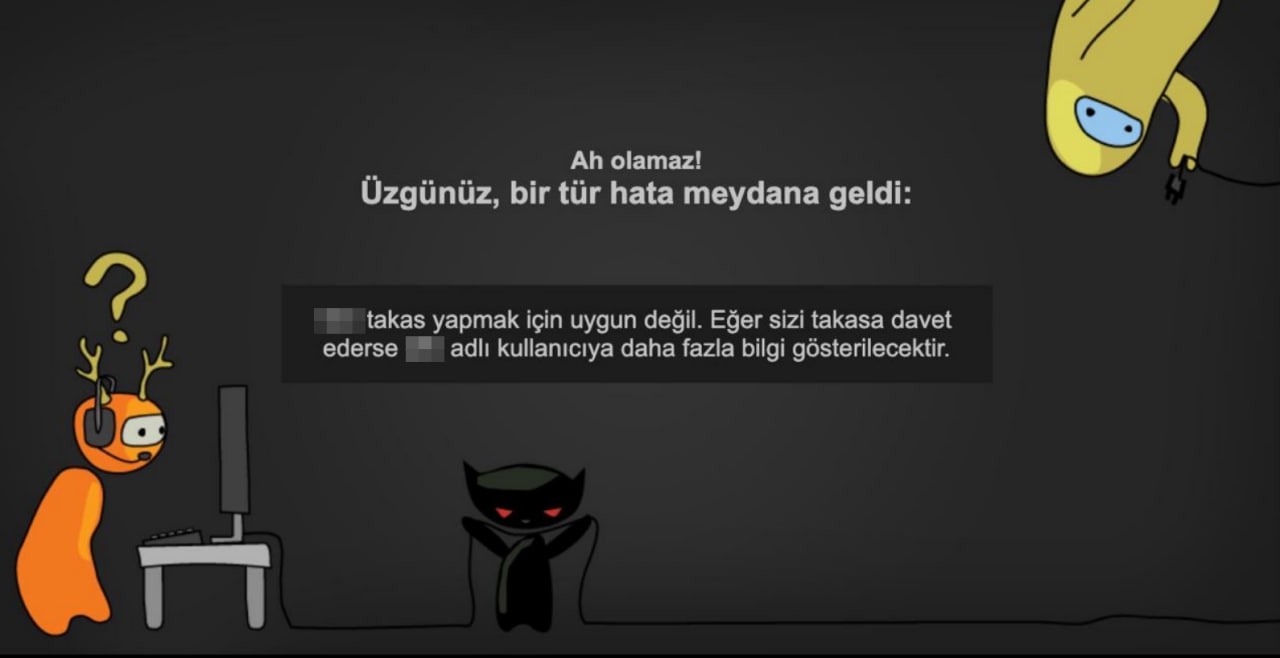
🚫 Trade Ban Warning
“... is not eligible to trade. If they invite you to trade, more information will be shown about the user called ...”.
This message indicates that the other party's account has a trade ban.
Some situations that may cause a trade ban:
-
Changing nickname → 2-4 hour trade ban
-
Logging in from a different device
-
Resetting password using the “I forgot my password” option
-
Changing Steam Guard settings (disabling/enabling mobile authentication)
-
Canceling a trade you approved
💡 Newly created Steam accounts also have an automatic 15-day trade ban.
To learn why your account has trade restrictions, click here.
🔗 Trade URL Error
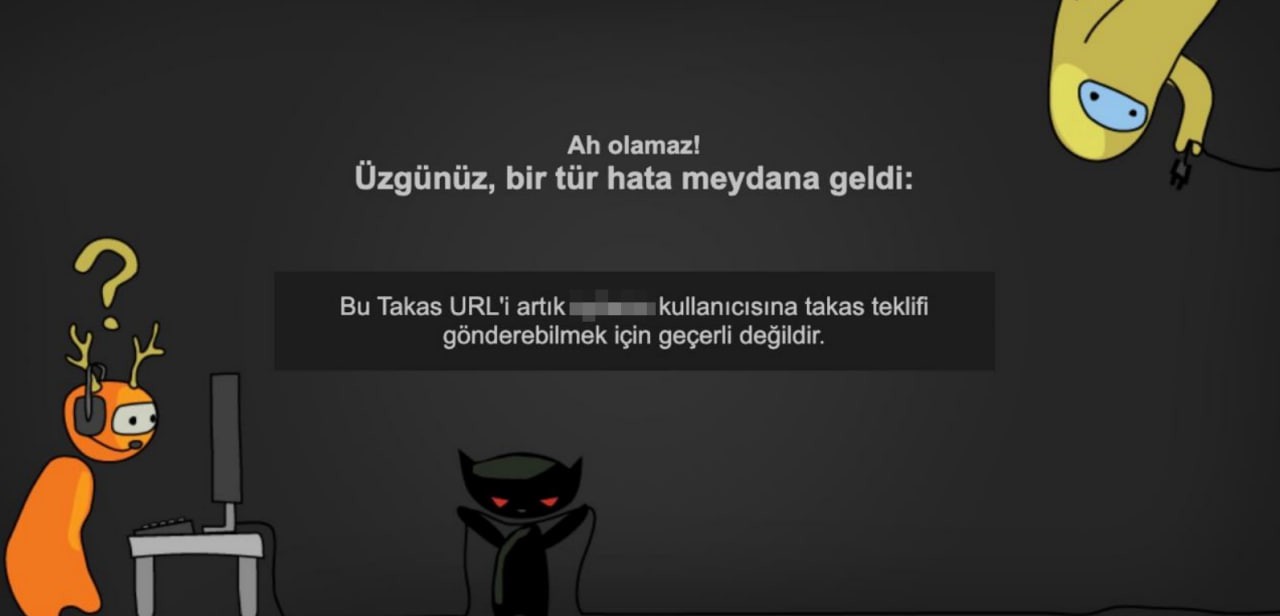
“This Trade URL is no longer valid to send trade offers to the user ...”.
This error occurs if the user has updated their Trade URL and you try to use the old one.
🔒 Inventory Privacy Error
“The inventory privacy of the user named ... is set to ‘Private’. They cannot receive trade offers.”
In this case, you cannot send a trade offer to the other party because they have not set their inventory to Public.
📌 Tip: You need to update from Steam settings → Inventory → to Public.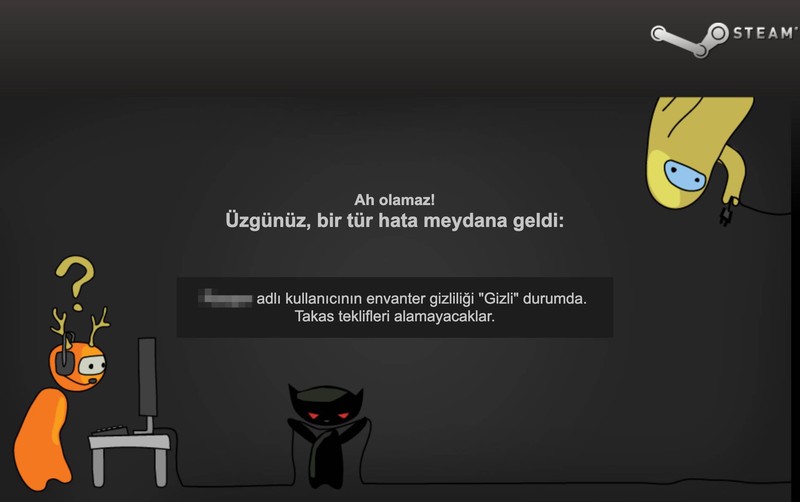
⏳ Trade Waiting Times
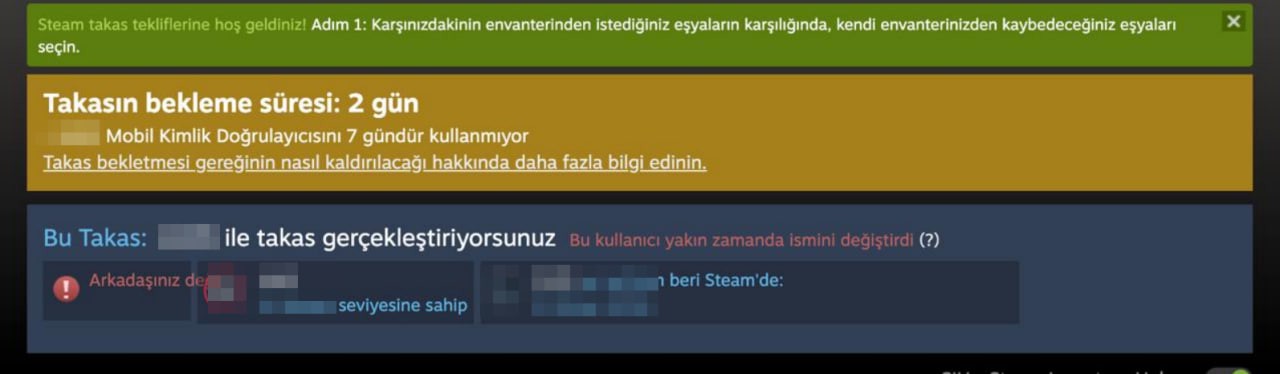
📱 2 Day Waiting
This is not an error message, but a waiting period enforced by Steam's security system. It especially applies when you make certain changes related to Mobile Guard (mobile authenticator). This warning appears when you change or reinstall the Steam Mobile Guard app on your device.
When you confirm a trade with a 2-day hold, the skin will appear in your inventory after 2 days.
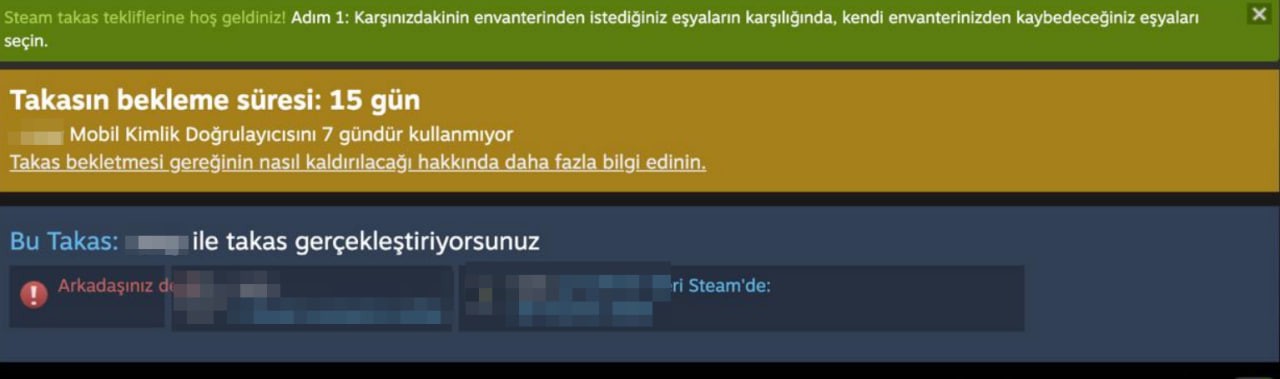
🛡️ 15 Day Waiting
This warning applies to users who have newly installed Steam Mobile Guard. After actively using Mobile Guard for 15 days, you can perform trades without any waiting period. When you approve a trade with a 15-day hold, the skin arrives in your inventory after 15 days.
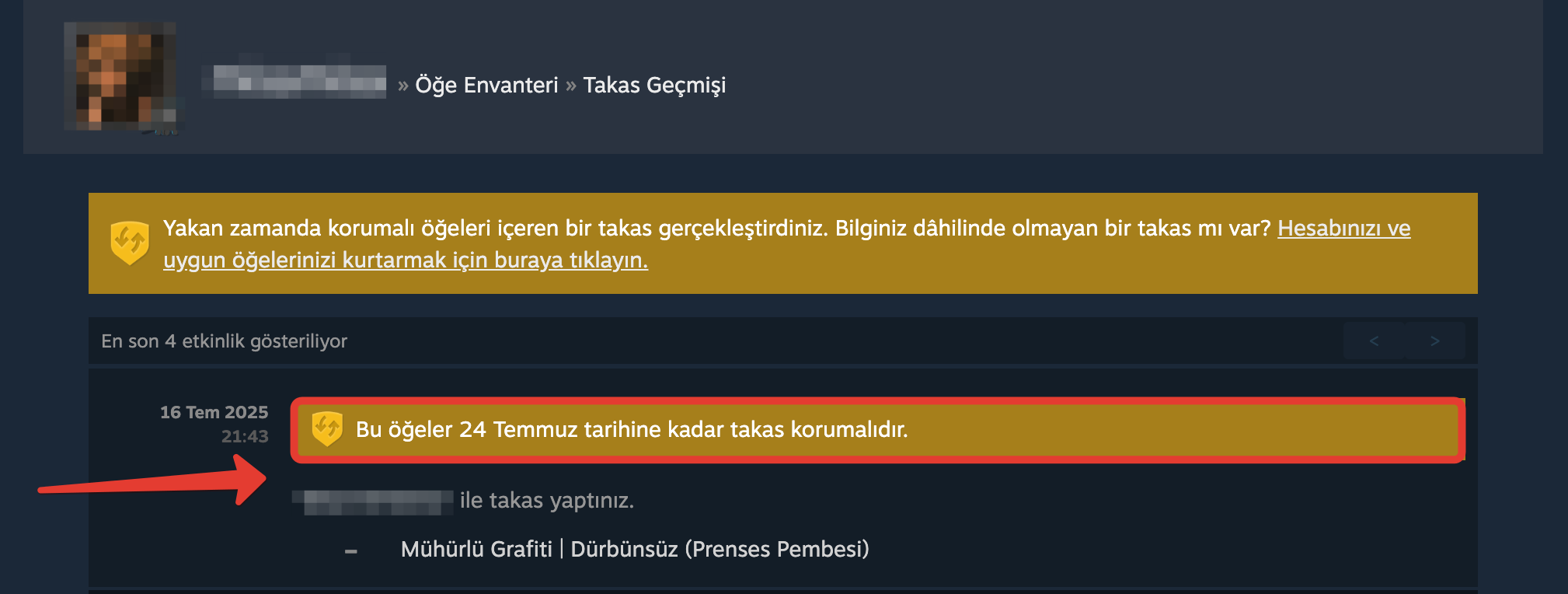
⏱️ Trade Protection (7 Days)
With the Steam update on July 15, 2025, CS2 trades are held under Trade Protection for 7 days. During this period;
- You cannot add/change charms, stickers, or name tags on the skin.
- You can use the skin, but you cannot trade or sell it.
🛡 Trades approved without Mobile Guard active: 7 day protection + security waiting
If the seller's account does not have Steam Mobile Guard enabled and the buyer approves a trade, two timers run simultaneously:
-
7-day Trade Protection for CS2,
-
and Steam's security holding period (15 days for accounts without Mobile Guard ).
-
Day 0–7: The trade is under Trade Protection. The seller can cancel the trade within this period. The skin has not yet transferred to the buyer's inventory.
-
At the end of day 7: The seller's right to unilaterally cancel ends; however, the skin is not immediately transferred to the buyer.
-
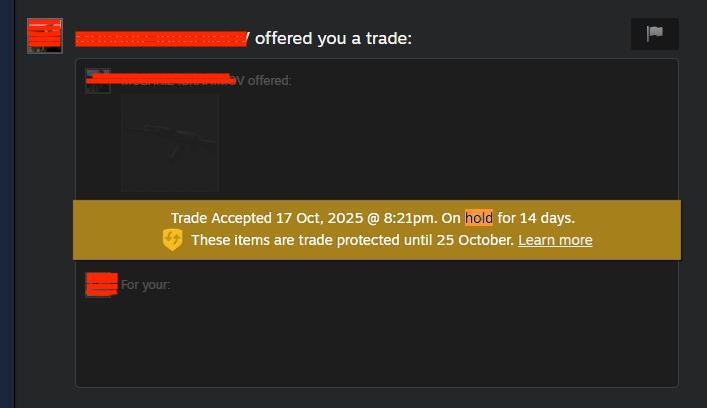
Day 7–15 (example scenario): The trade remains in security holding. The holding period ends and the skin is automatically placed in the buyer's inventory.
📌 You may see terms like “On hold for 14 days / Trade protected until ...” in the interface; this reflects the simultaneous protection and holding periods.
🗒 Note: Some CS2 FPS drops or system freezes during trading can cause inventory loading issues and error messages.
CS2 bunny code (bunny hop scripts) and especially cheat codes or third-party scripts may be detected as suspicious activity by Steam security policies and can result in trade blocks/bans. Therefore, it is important to use only the official client and trusted settings during trade and inventory operations.
For detailed information see; What is Buyer Protection?
Did this answer help you?
0 out of 0 people found this helpful