

How to Use CS2 Skin Market Filters?
Created: 6 months ago
ByNoGame CS2 Skin Market makes it much easier to find the product you are looking for! ☺️
When you click on the CS2 Skin category on our homepage and select the game you are interested in, you will be greeted by the Live Listing Feed.
🔍 Sorting Options
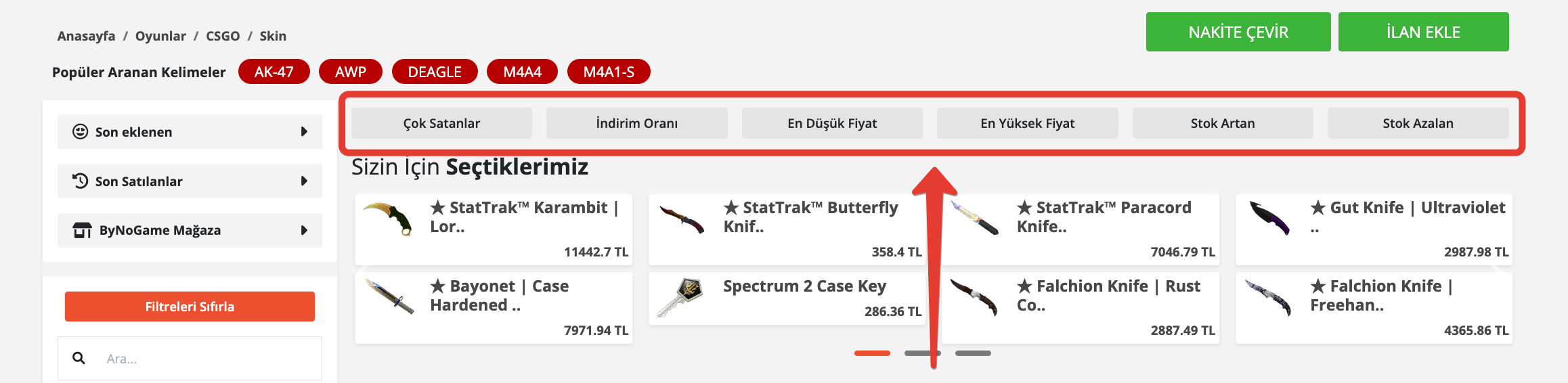
You can sort listings however you want.
✅ Bestsellers: See the most popular skins.
✅ Discount Rate: Catch the best deals.
✅ Lowest / Highest Price: Sort according to your budget.
✅ Stock Increasing / Decreasing: Instantly see which products are moving!
🕰 Also View the 100 Newly Added Listings and the 100 Last Sold Listings.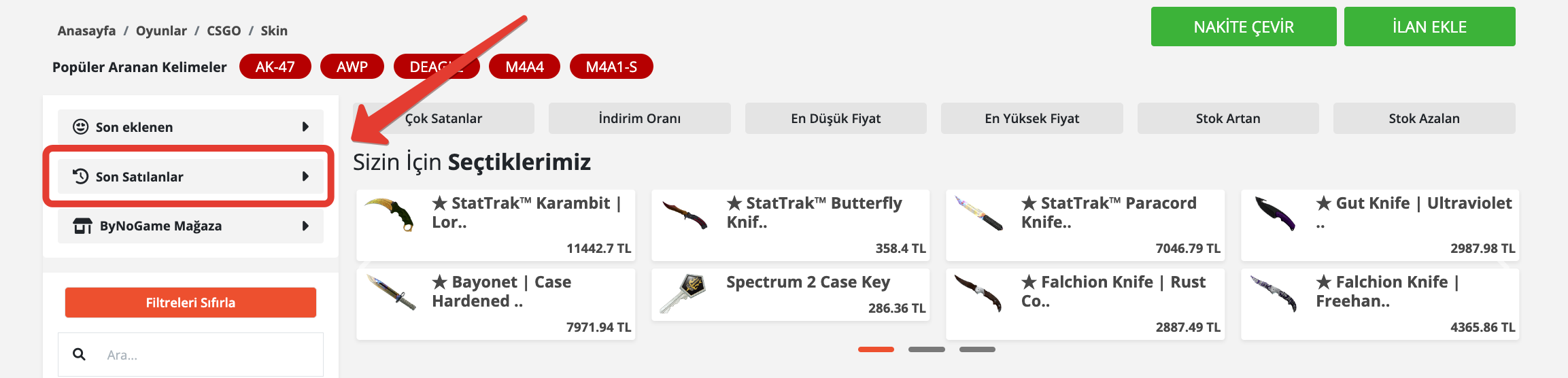
🎯 Find What You're Looking for Using Filters
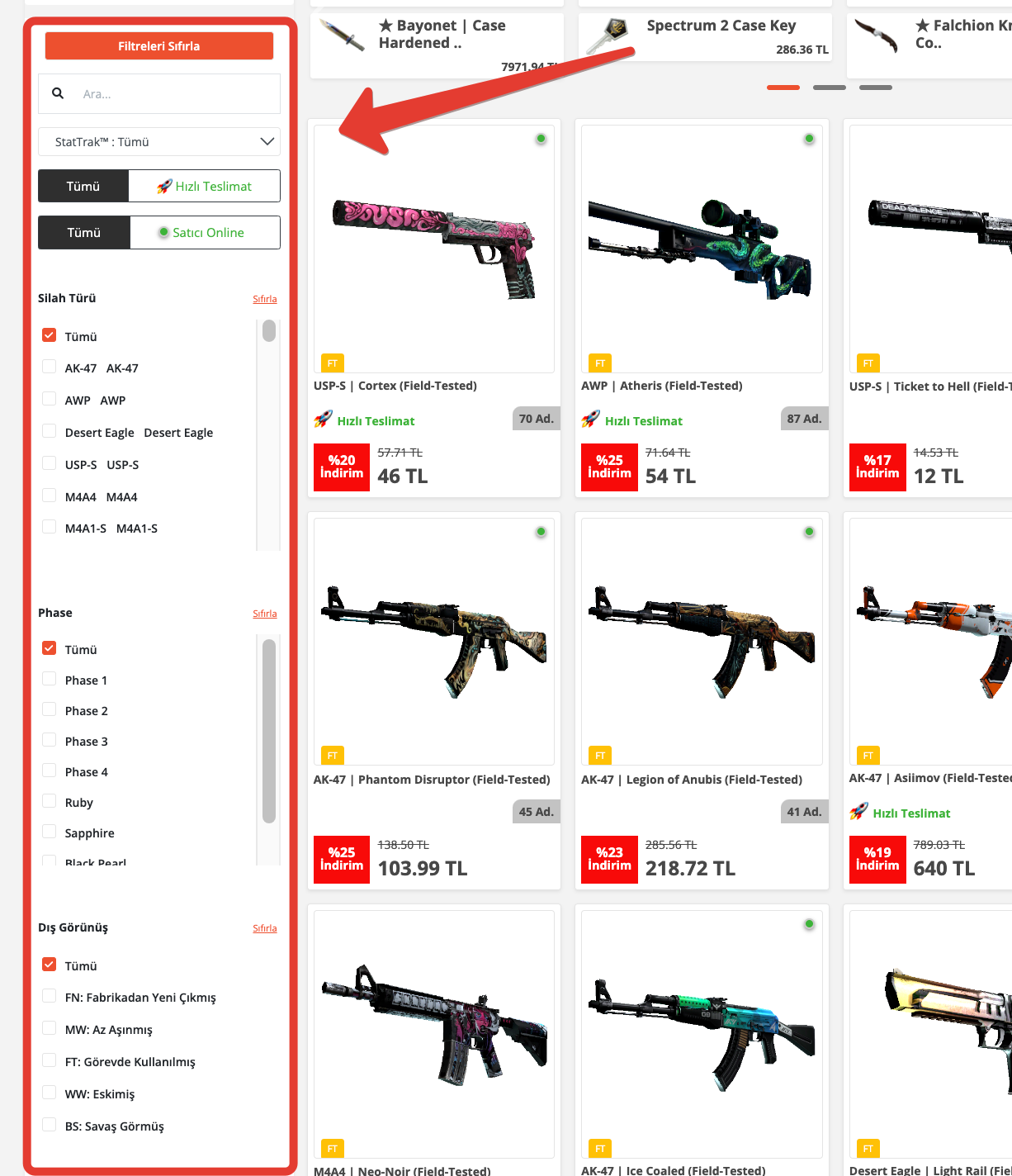
Filters are the fastest way to find the skin you want!
Here are some filters you can use:
✅ Product / Sticker Search: Type the skin name to instantly learn if there's a new listing.
✅ Delivery: View listings that have Fast Delivery only.
✅ Seller: List the online sellers right now.
✅ Weapon Type: Choose from different weapon types.
✅ Phase: View the item's pattern type.
✅ Exterior: Sort skins by their wear condition.
✅ Category: Select which group the skin belongs to.
✅ Price Range: Find listings that fit your budget.
💡 Tip
By combining filters, you can further customize the results and find the most affordable or rare skins in seconds. 😇
Did this answer help you?
0 out of 0 people found this helpful