

How can I see my donation balance?
Created: 3 years ago
Your donations are transferred directly to your ByNoGame Wallet. 💸
1) Go to Incoming Donations.
2) You can see the total amount of donations you’ve earned in the last month from the "Last 30 Days Performance" section on the right.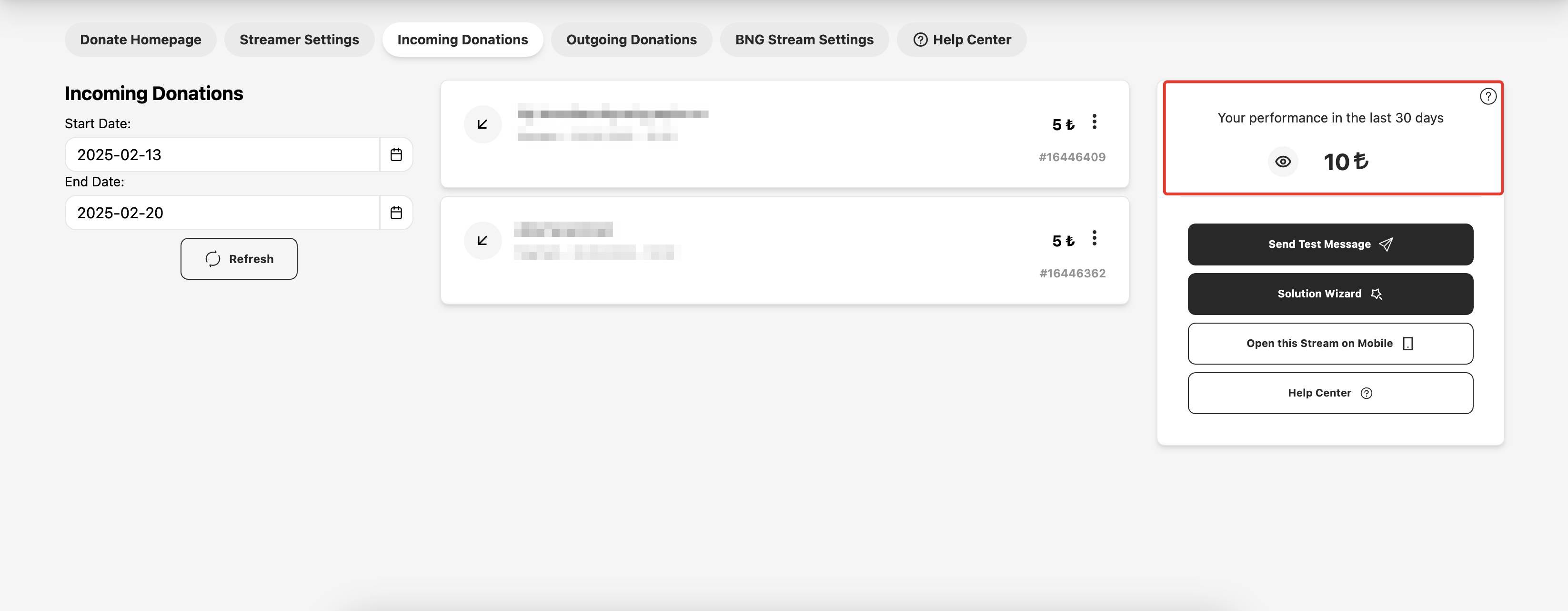
3) You can hide the amount by clicking the eye icon and make it visible again by clicking it once more.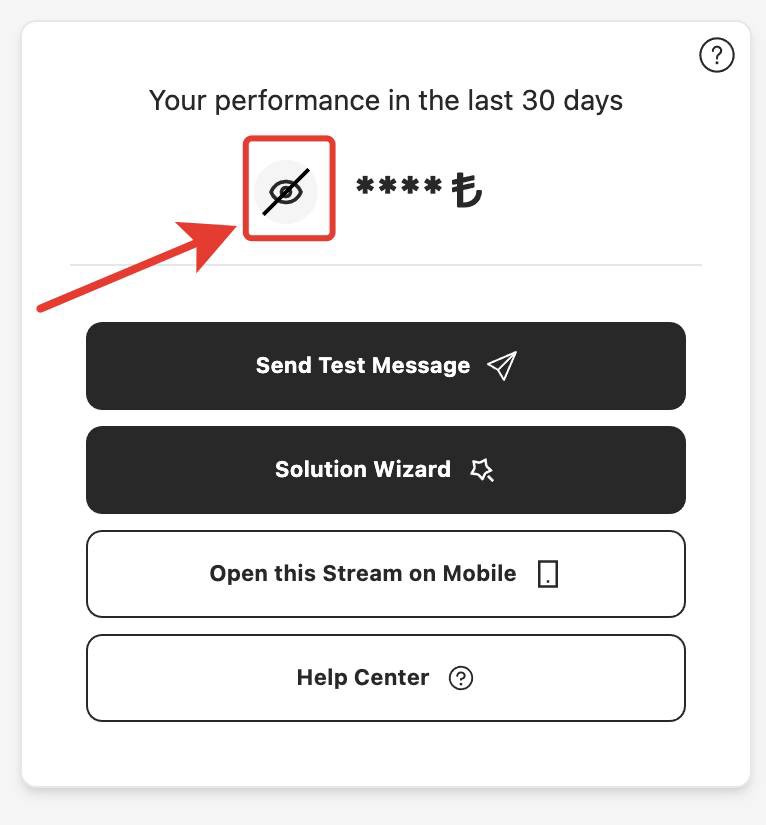
4) You can select the Start and End Date to review the donations you’ve received within the specified date range.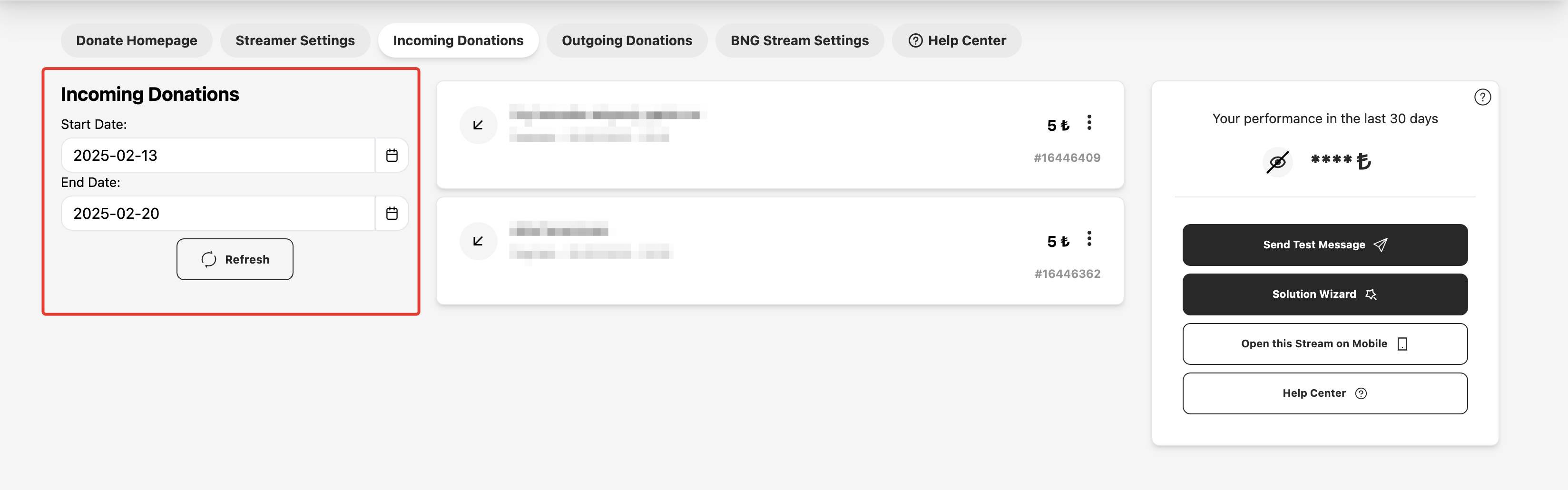
 We wish you a great stream!
Did this answer help you?
0 out of 0 people found this helpful