

Can I block someone from sending donate to me?
Created: 3 years ago
Sure.
1) Visit, Incoming Donations.
2) Click on the three dots to the right of the donate sent by the person you want to block, and select the "Ban User" option.
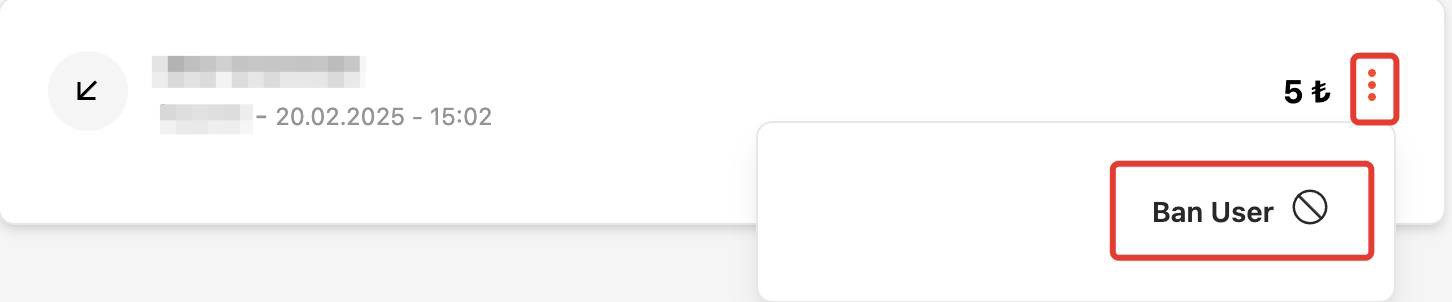
2) Click on the three dots to the right of the donate sent by the person you want to block, and select the "Ban User" option.
From now on, you will not receive donations from this person unless you lift the block.
You can view the supporters you’ve restricted through Streamer Settings> Muted Users and remove the block at any time.
 We wish you a great stream!
Did this answer help you?
0 out of 0 people found this helpful