

How to Do Trade Up with CS2's New Update?
Created: 9 months ago
🔁 Trade up, is a system you can easily access from the inventory screen with CS2's new update. Combining 10 skins of the same rarity (all normal or all StatTrak™) allows you to convert them into one new skin of a higher rarity randomly selected from the collection pool.
In short, you give 10 skins of the same level; the game rewards you with a single, higher-tier, and surprise skin from those collections.
How Does Trade Up Work?
-
Single rarity rule: When you add 10 skins of the same rarity to the trade; you get one skin of a higher rarity in return.
-
StatTrak feature: They must be either all StatTrak™ or all normal. Mixed cannot be used.
-
No Souvenir: Souvenir items are not included in trade up.
-
Collection logic: The final costume is randomly selected from the collections you used as input. If there are multiple from one collection, your chance on that side increases.
- Float: The float value of the skin you get is close to the average float of the skins you traded.
How to Do Trade Up?
-
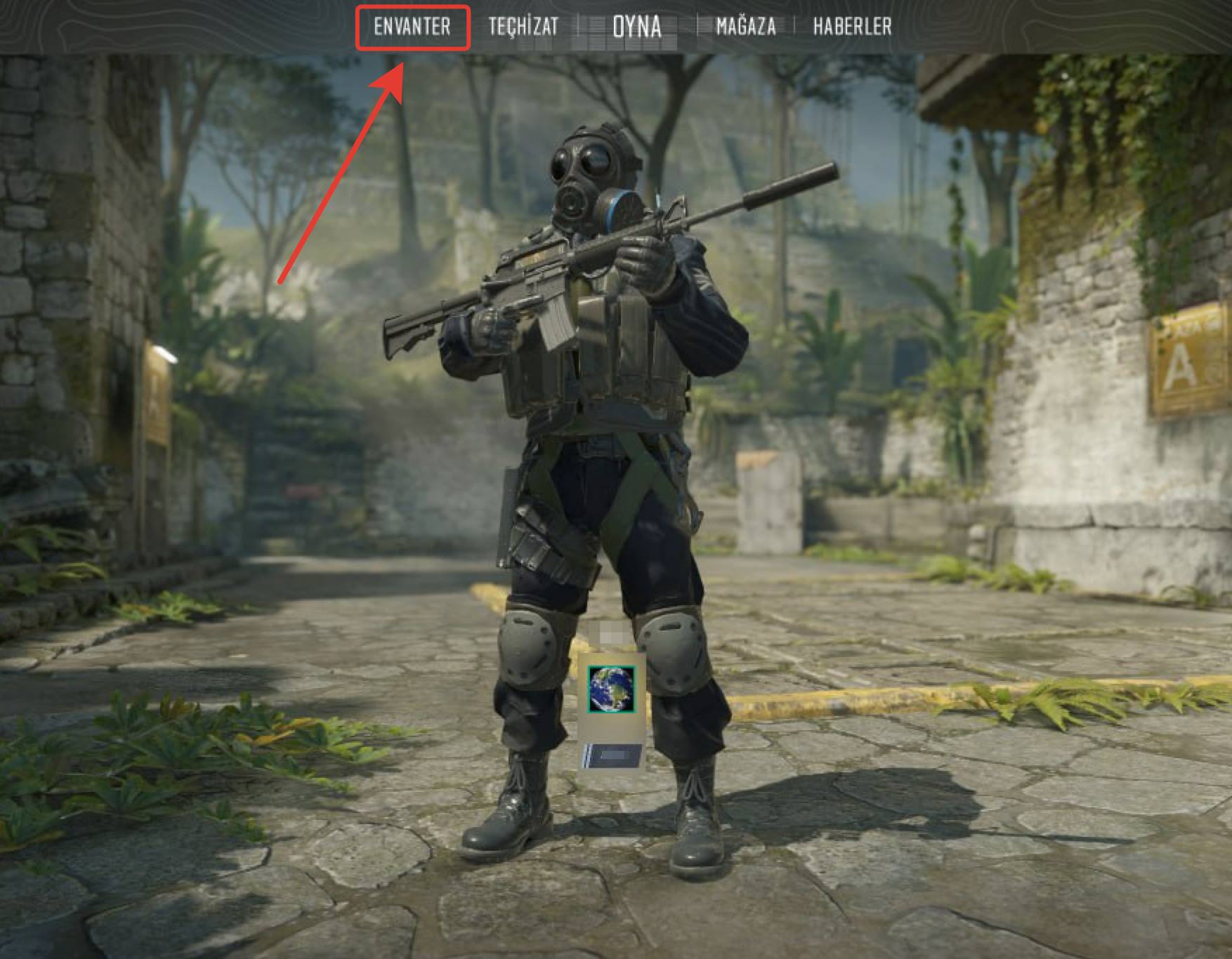
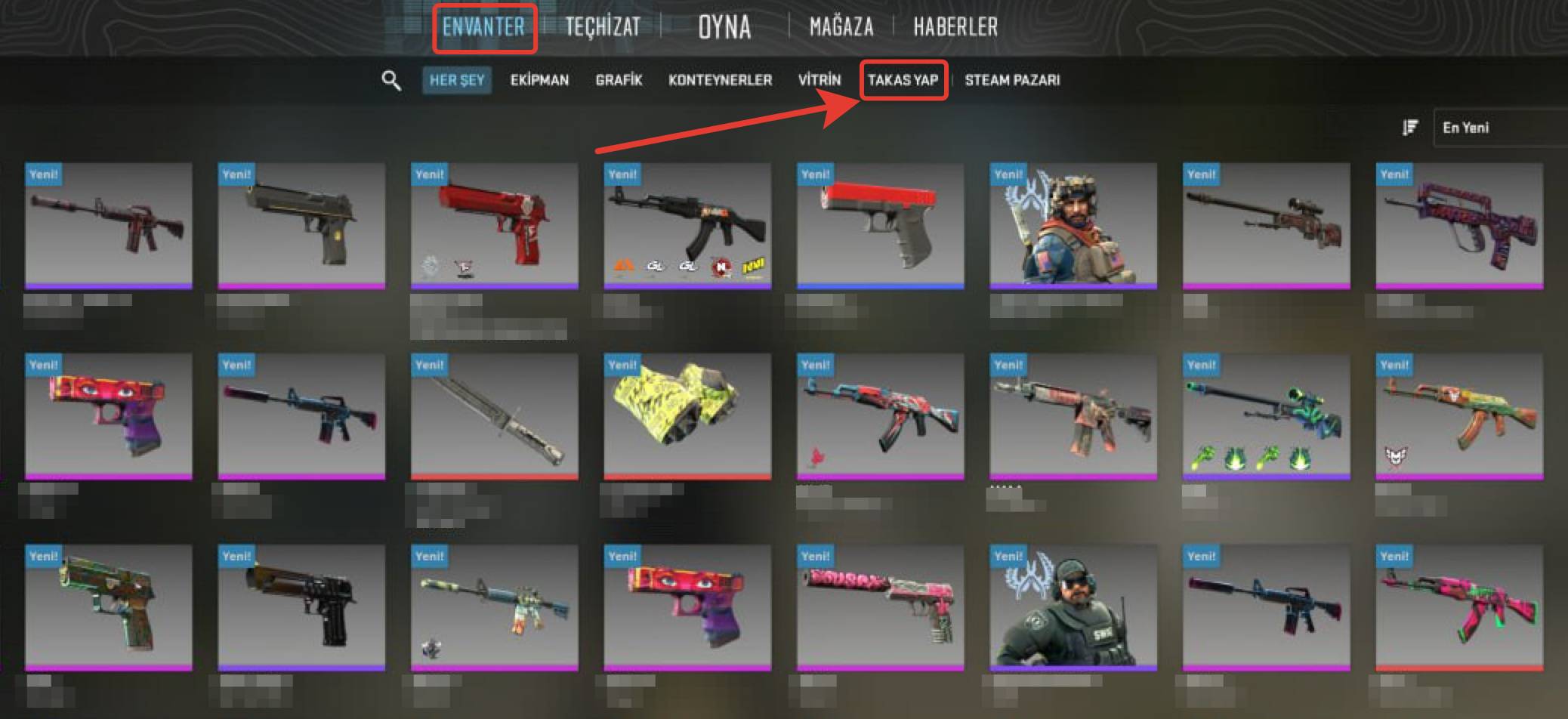
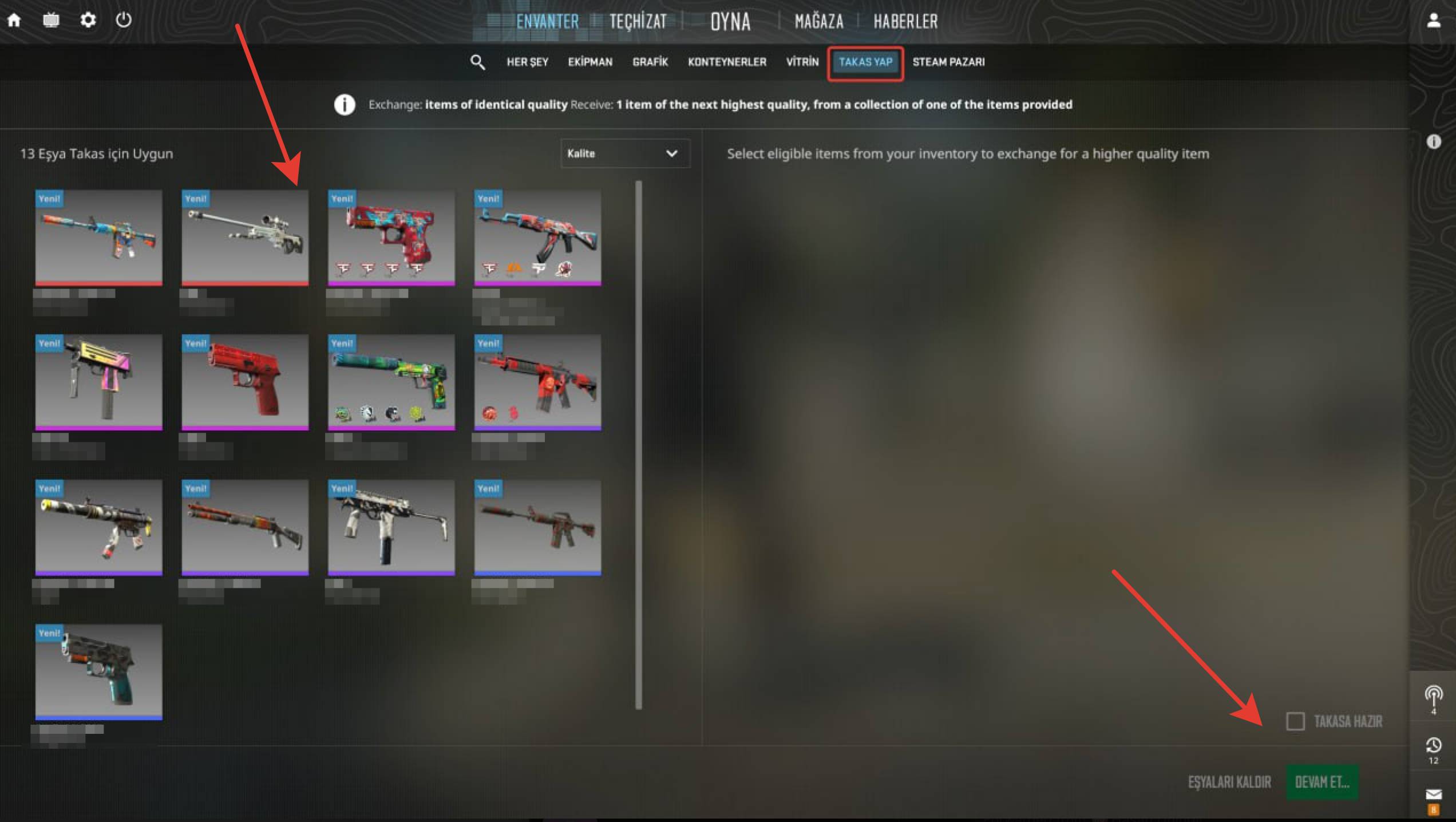
From Inventory, enter Make Trade, and select 10 skins of the same rarity.
-
Add the Trade Up to the trade screen and confirm.
-
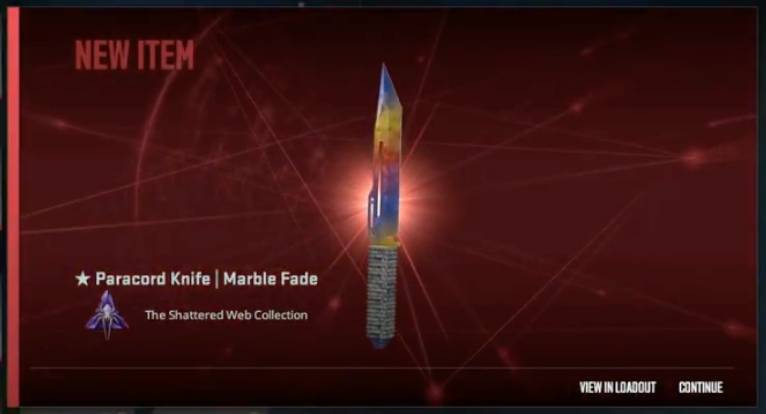
The system will produce 1 skin from a higher rarity according to the collection distribution. 💯
Did this answer help you?
0 out of 0 people found this helpful