

How can I change the dark and light theme settings?
Created: 6 months ago
To switch from the Light Theme (Day Theme) to the Dark Theme (Night Theme), go to the homepage .
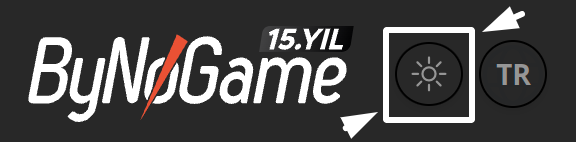
To switch to Dark Theme, you should click the 🌙 icon next to our logo. 🌝

To switch back to Light Theme, simply click the ☀️ icon. 🌞
Did this answer help you?
0 out of 0 people found this helpful