

How to activate the ByNoGame Telegram Bot?
Created: 6 months ago
📣 ByNoGame Telegram bot is a bot that allows you to receive notifications from our site 24/7 without interruption and instantly. 🚀
Also, we gift a 50 TL discount code to users who activate the bot for the first time 🥳
You can find detailed information here .
Step 1: Click on the My ByNoGame Account section.
Step 2: Click on the notification settings under the subtitle 'My Personal Information and Settings': Notification Settings.
Step 4: On the opened page, check the Telegram notifications box and link your account.
Step 5: Click the Telegram setup link and allow permissions on the opened page.
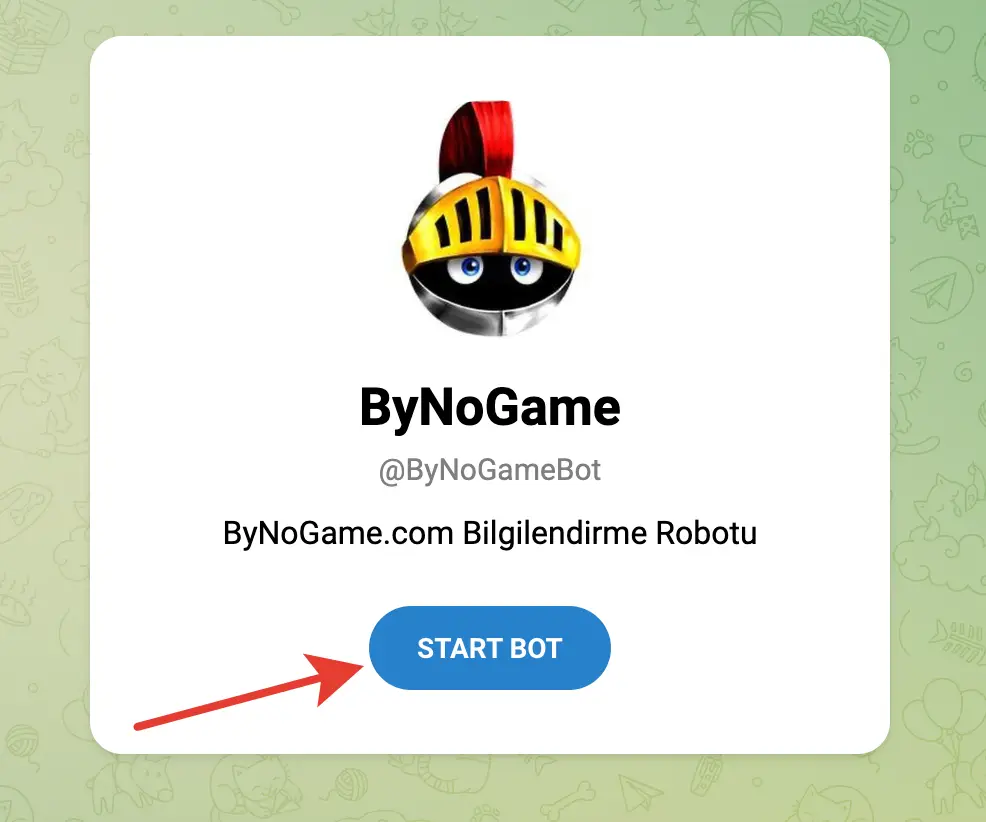
Step 6: On the opened page, our bot will automatically send the /start command to become active!
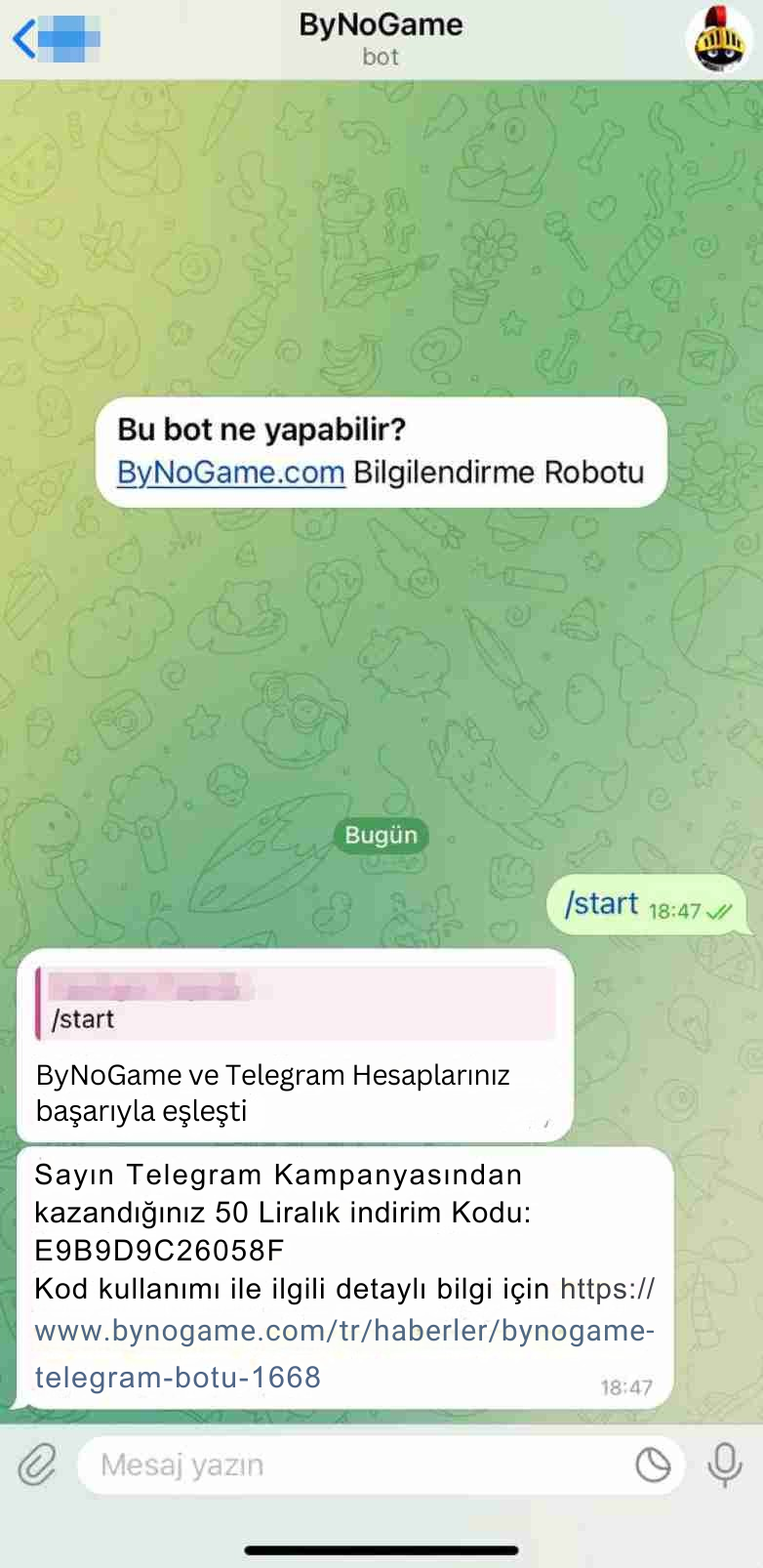
CONGRATULATIONS! 🥳
YOUR BOT IS NOW ACTIVE!
Did this answer help you?
0 out of 0 people found this helpful