

How do I deliver my in-game currency?
Created: 3 years ago
You have 1 new order!
So, how do you deliver it? 🤔
When your listing is sold, you can access the sale details from the My Sales & Listings page. By clicking the Details & Chat button, you can view the buyer’s nickname and start a conversation by clicking the Start Chat button.
Please note: In the in-game currency category, sellers have a 30-minute delivery time.
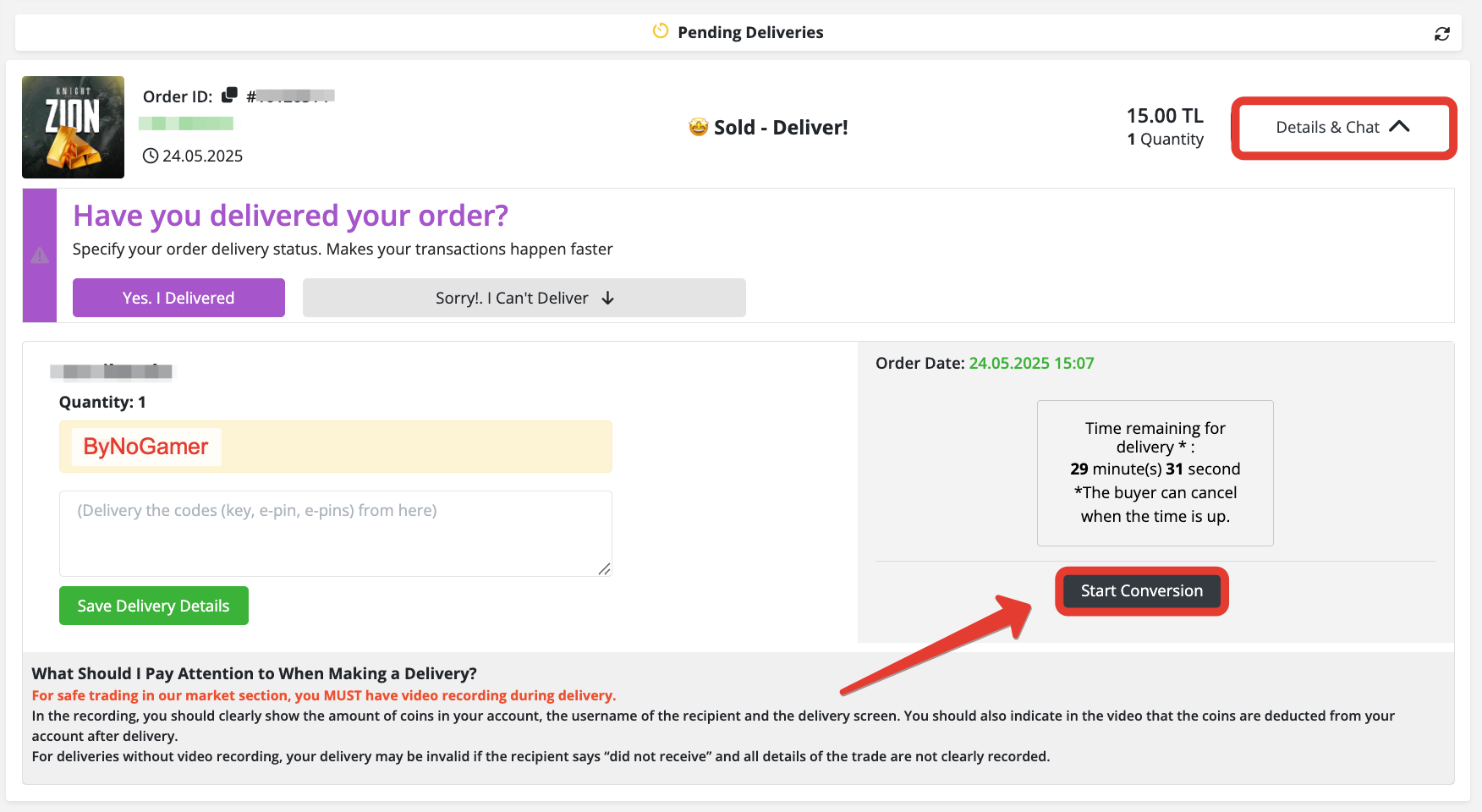
You can see the nickname provided by the buyer when placing the order in the yellow field.
To ensure your sale is completed safely, it’s very important to record a video during the delivery and to communicate with the buyer only through the delivery chat.
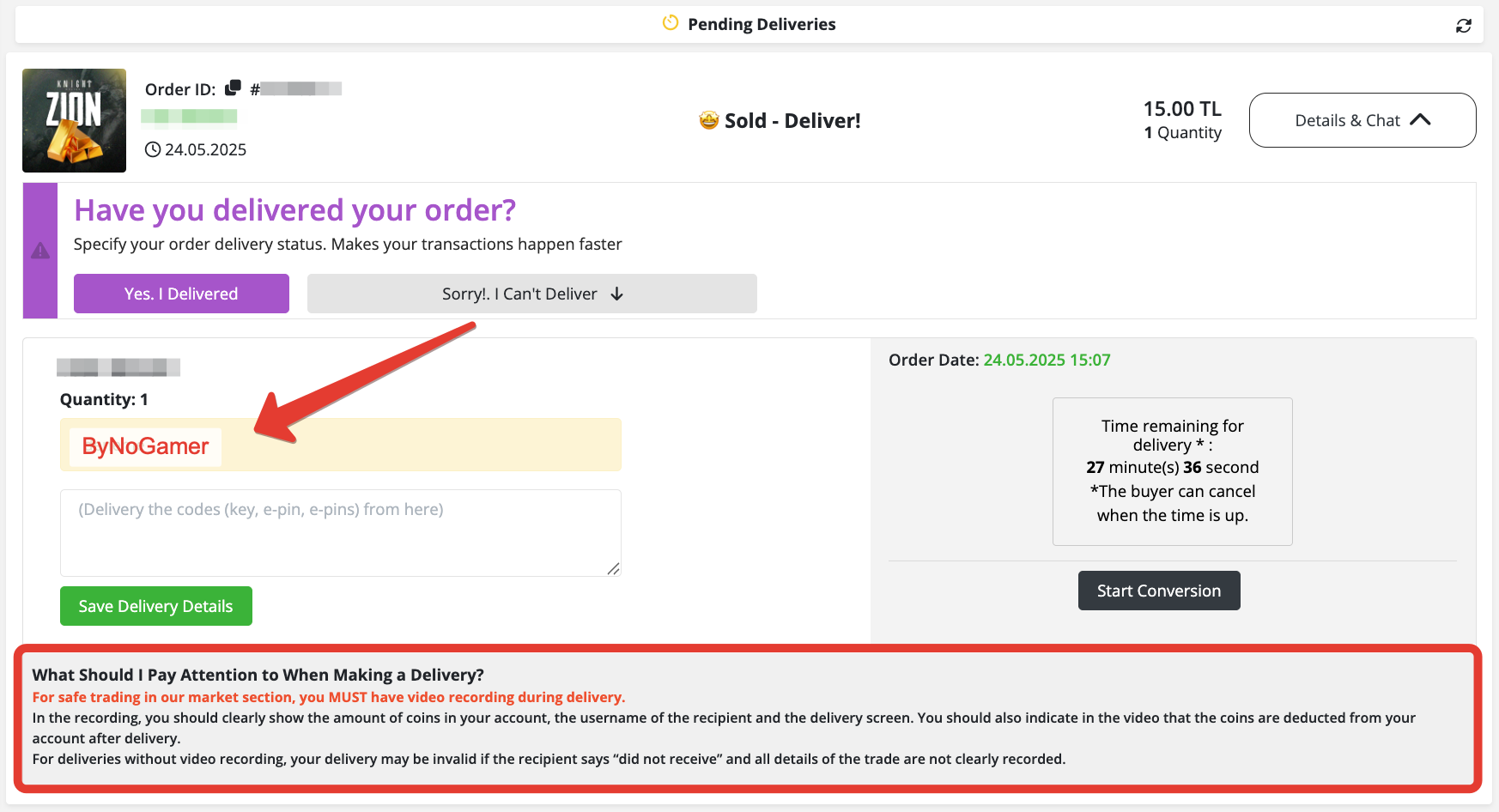
After completing your delivery, click the "Yes, I Delivered" button. Our team will review the delivery shortly and transfer your earnings. 🥳 We wish you a pleasant shopping!
Did this answer help you?
0 out of 0 people found this helpful