

How can I change my store name?
Created: 3 years ago
To edit your store, click on My Account > ByNoDeck > Store Management.
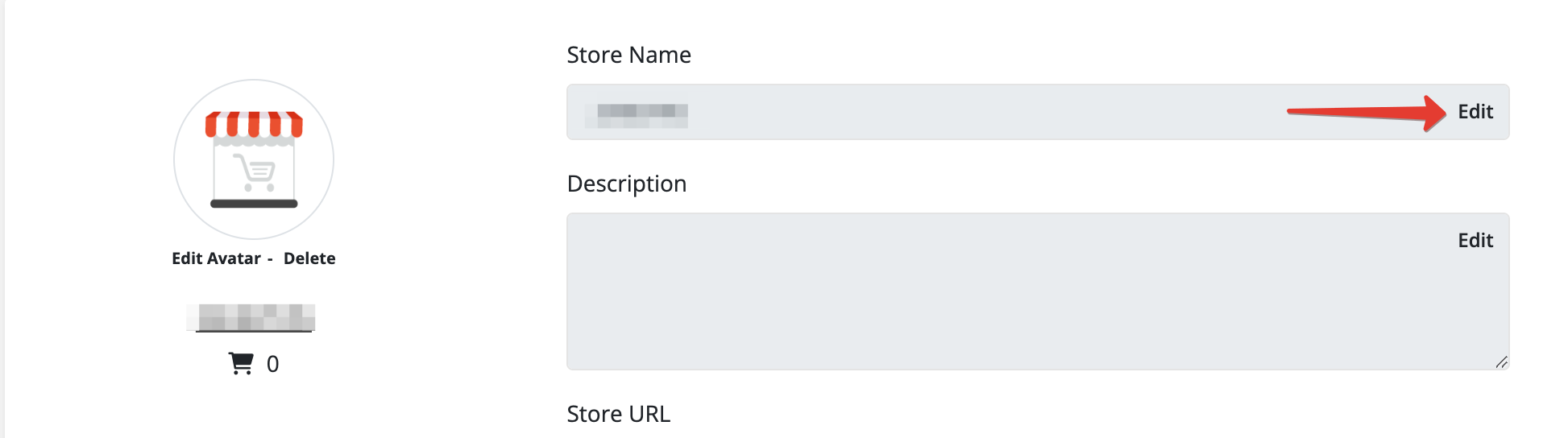
Click on the "Edit" button.
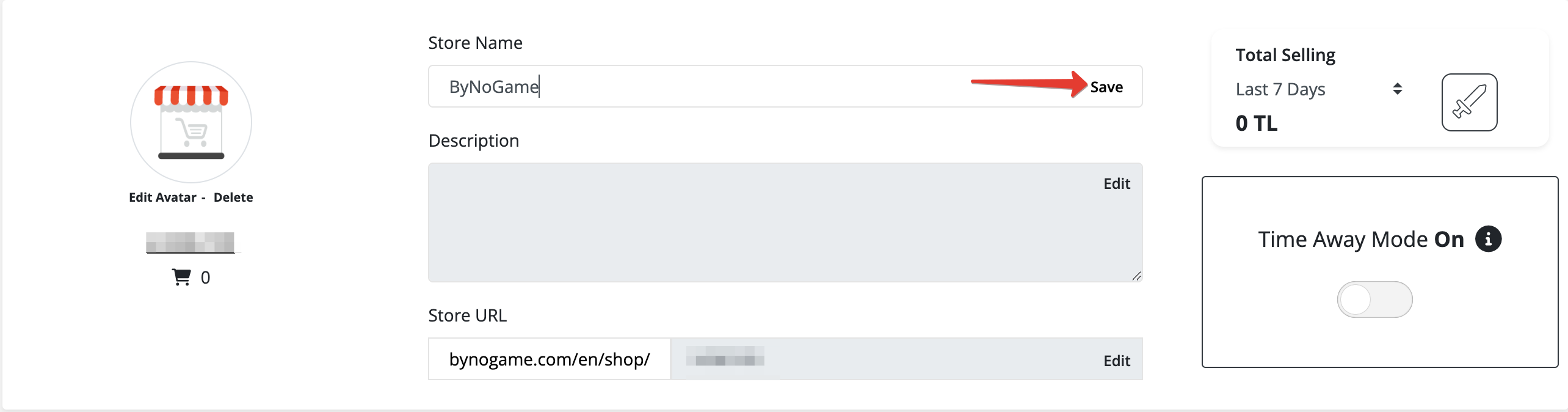
After entering the store name you want to use in the provided space, click on the "Save" button.
Congratulations, your store name has been successfully updated. 😊 We wish you a pleasant shopping!
Did this answer help you?
0 out of 0 people found this helpful